Layered biomes across the whole dimension
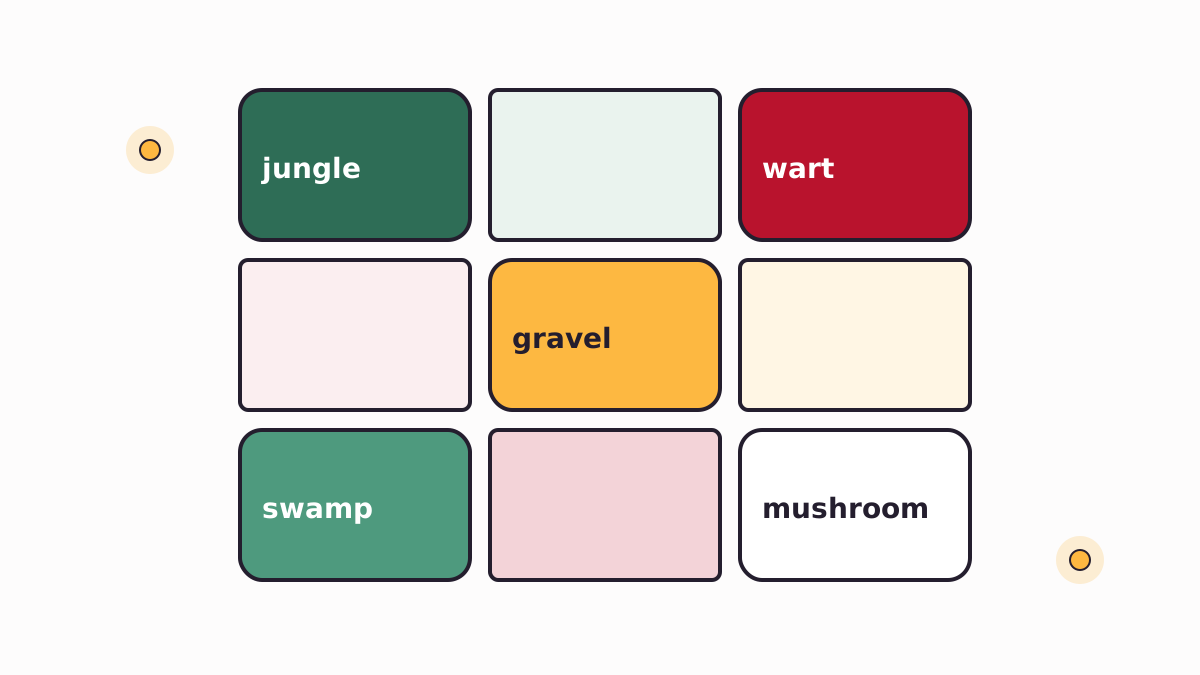
Nether jungles, wart forests, gravel deserts, swamp-like lowlands and mushroom forests join the vanilla biomes. Because they stack in 3D, a single cave can pass through several of them as you change height.
Better Nether fills Minecraft's Nether with layered biomes, new plants and wood, unusual mobs and rare cities. Learn what it adds, which loaders it runs on, and how to install it cleanly.
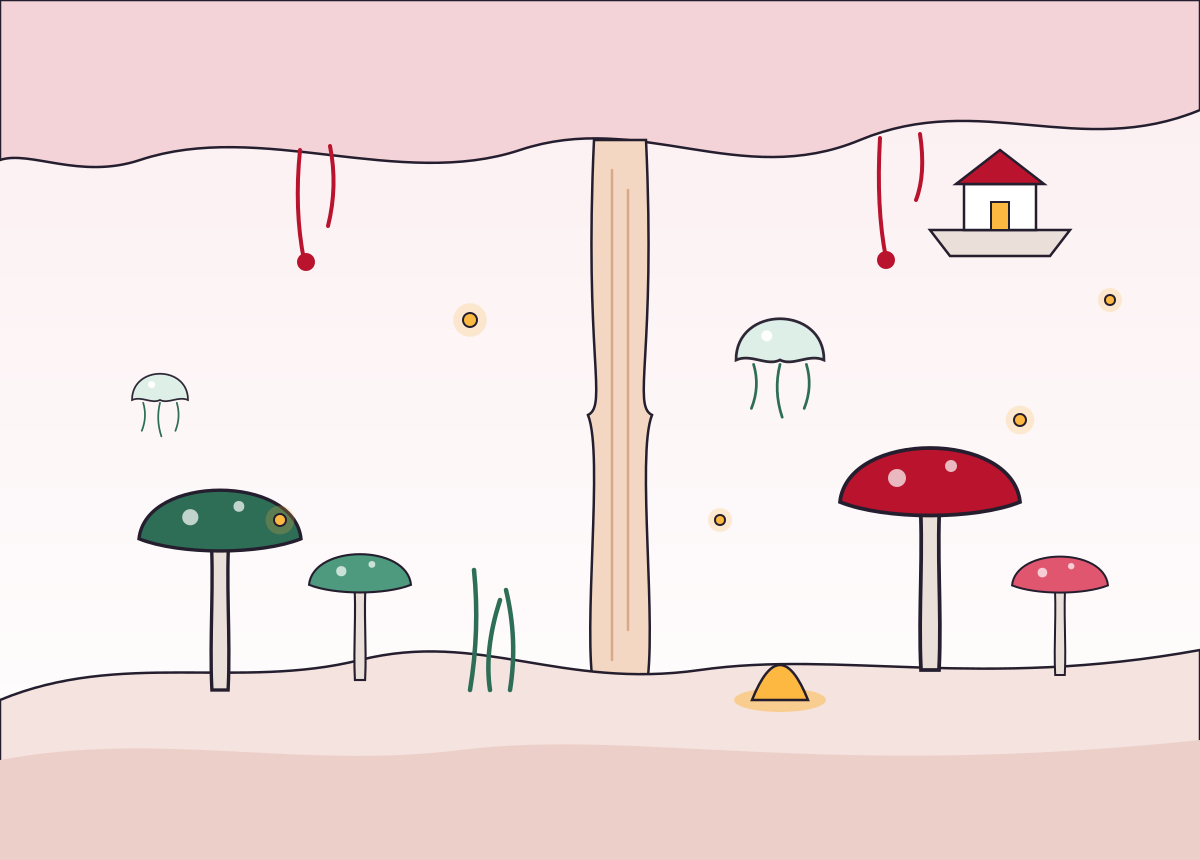
Better Nether turns the Nether from a handful of wide, flat biomes into a dimension that changes as you climb, descend and dig.
It is a content and world generation mod for Minecraft: Java Edition, created by paulevs. Its biomes are placed as three-dimensional volumes, so the growth on a cavern roof, the open air in the middle and the ground below can all belong to different biomes.
The mod began on Forge for Minecraft 1.12.2 and later moved to Fabric, where official releases continue. Community developers maintain unofficial ports for Forge and NeoForge.
Content differs a little between versions and ports, so the notes on the file you install are the final word.
Nether jungles, wart forests, gravel deserts, swamp-like lowlands and mushroom forests join the vanilla biomes. Because they stack in 3D, a single cave can pass through several of them as you change height.
Stalagnate columns grow from floor to ceiling and give wood. Nether reeds grow beside lava. Lucis, egg plants and materials such as cincinnasite widen the palette.
Fireflies and hydrogen jellyfish drift through the air, while Nagas and jungle skeletons keep exploring tense. Recent versions also add flying pigs.
Alongside fortresses and bastions, the mod generates its own structures, including dungeons and uncommon cities with loot for long expeditions.
Designed to sit alongside other Nether world generation mods, which is why it appears in many Fabric modpacks. Test any large combination first.
The short version. A detailed setup procedure follows further down.
Choose the Minecraft version you play, then the loader: Fabric for the main line, or a community port for Forge and NeoForge.
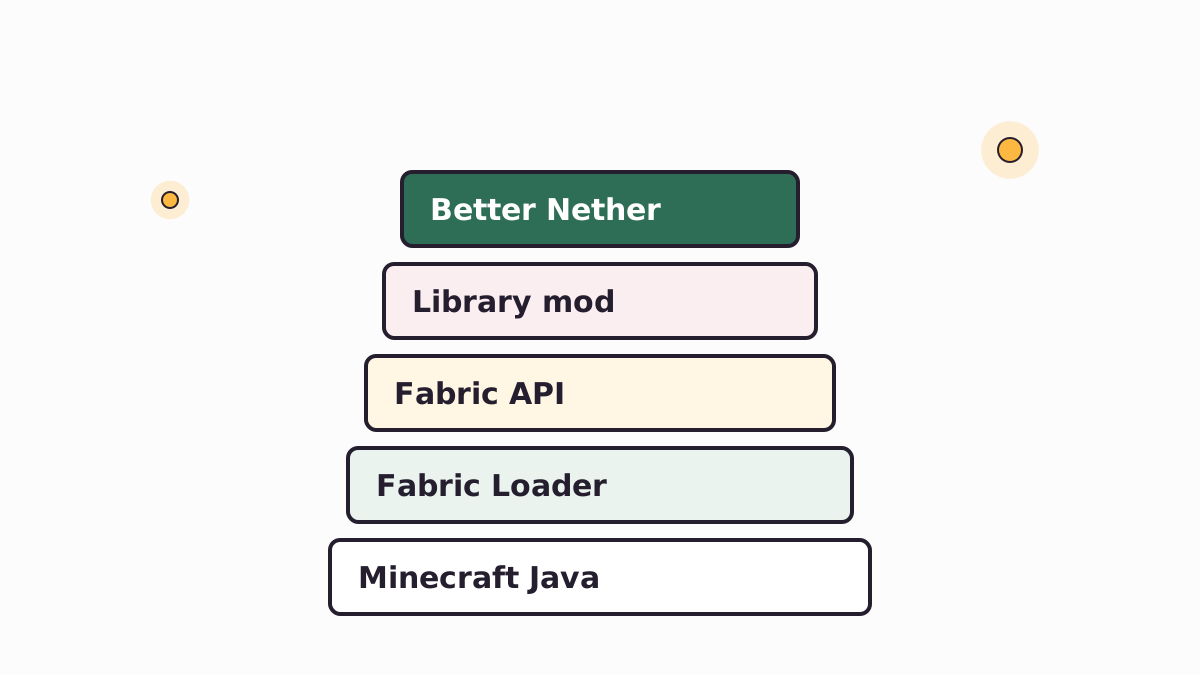
Fabric players need Fabric Loader, Fabric API and the library mod the Better Nether file lists as a dependency.
Copy Better Nether and its dependencies into the mods folder of the instance you launch. Keep every version matched.
Start the game, open a new world or travel to unexplored Nether chunks, and the new biomes generate as you go.
People often search for Forge, NeoForge and MCPE versions. This is what actually exists.
| Platform | Status | Maintained by | What to know |
|---|---|---|---|
| Fabric (Java) | Main line | Original developers | Needs Fabric Loader, Fabric API and the library mod named in the file's dependencies. |
| Forge 1.12.2 | Legacy original | paulevs, plus a community continuation | Where the mod started. Old builds still exist for classic packs. |
| Forge, newer versions | Community port | Independent porters | Unofficial ports exist for versions such as 1.16 and 1.20.1. Report bugs to the port. |
| NeoForge | Community port | Independent continuation | Available through an unofficial continuation with its own release notes. |
| Quilt | Check first | Varies | Quilt loads many Fabric mods, and one continuation lists Quilt. Test before relying on it. |
| MCPE / Bedrock | Not available | None | Java mods do not run on Bedrock, which uses a separate add-on system. |
| Multiplayer | Server + clients | Your server | Install the same version on the server and on every player's game. |
Supported Minecraft versions change with each release. Check the version list where you download.
More biomes, mobs and structures turn Nether trips into journeys rather than quick runs for quartz and blaze rods.
Stalagnate wood, reed blocks and other materials widen the palette for Nether bases and portal hubs.
A Fabric-first world generation mod designed to sit alongside other Nether content.
A shared dimension worth mapping together, as long as every player runs matching versions.
Legacy Forge builds and a community continuation keep the classic version playable.
The source code is public, so you can study how the volumetric biome system is built.
Publicly documented facts. Version numbers change often, so check the release list for the current build.
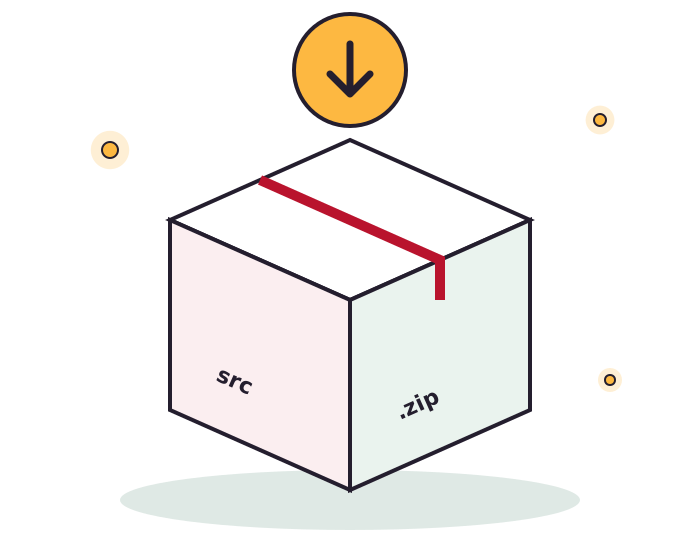
Get the Better Nether source archive from the project's GitHub repository, to build the mod yourself or to study how it works.
This archive contains source code, not a ready-to-play jar. Build it with the included Gradle wrapper and a matching JDK, or use a compiled release from a mod platform you trust. The download guide explains more.
Follow these steps in order. Every file must target the same Minecraft version.
Running a server? Put the same Better Nether and dependency jars in the server's mods folder. Players with different versions will fail to join.
On Forge or NeoForge, follow the port's own instructions. The Forge and NeoForge guide explains the options.
saves folder before adding any world generation mod.mods..jar into mods. Do not add the source zip..jar, not the source .zip, and that it targets your Minecraft version.Better Nether is a Minecraft: Java Edition mod that adds new biomes, plants, wood types, mobs and structures to the Nether. Its biomes are volumetric, so a single area can have different content on the floor, in open air and on the ceiling.
The mod was created by paulevs. Later Fabric releases were developed with the BetterX team, and several independent developers maintain unofficial ports for other loaders.
Yes. The mod is free to download, and its main project listing states an MIT license. Always check the license file included with the version you use, since forks and ports can carry their own terms.
It downloads a .zip snapshot of the master branch of the paulevsGitch/BetterNether repository on GitHub. That archive contains source code and project files, not a ready-made mod jar.
No. Minecraft loads compiled .jar files. You can build a jar from the source with the included Gradle wrapper and a suitable Java Development Kit, or use a compiled release from a mod platform you trust.
Fabric Loader, Fabric API and the library mod that your Better Nether version lists as a dependency. Many releases use BCLib; newer lines may name different BetterX libraries, so read the dependency list on the exact file you download.
Place it in the mods folder of the Minecraft instance you launch with Fabric, next to Fabric API and the required library. For the default launcher this is the mods folder inside your .minecraft directory.
Yes. The mod adds blocks, items, biomes and entities, so the server and every player must run the same Better Nether version and the same dependency versions.
New biomes and structures appear in Nether chunks generated after the mod is installed. Areas you already explored keep their old terrain, so a fresh world or unexplored Nether regions give the best results. Back up any existing world first.
Make a full backup before removing any content mod. Blocks and items that belonged to the mod will disappear or be replaced when the world loads without it, and structures built from its materials can be damaged.
The earliest versions were made for Forge on Minecraft 1.12.2. Later official development moved to Fabric. Forge versions for newer Minecraft releases come from unofficial community ports that are maintained separately from the original mod.
NeoForge support comes from community continuations rather than the original developers. If you use one, read that project's own page and report problems to its maintainer, not to the original mod's issue tracker.
Yes. Legacy Forge builds for 1.12.2 were released by the original author, and a separate community continuation also targets 1.12.2. You need a Forge 1.12.2 setup and a Java version that suits that older modding environment.
No. Better Nether is a Java Edition mod and cannot be installed on Minecraft Pocket Edition or other Bedrock platforms. Bedrock uses a separate add-on system, and any Bedrock pack using a similar name is a different project.
Better Nether has a listing on Modrinth, and community ports have their own listings there too. Check the author, the loader and the game version on each file before downloading, because several similarly named projects exist.
The mod was designed with compatibility with other Nether world generation mods in mind, but results depend on the exact combination and versions. Test a new pack in a copy of your world before playing seriously.
Instead of stacking one biome from the lava sea to the roof, Better Nether places biomes as 3D volumes. A cave ceiling can hold different growth than the floor below it, which makes vertical exploration more varied.
Descriptions of recent versions mention Nagas, flying pigs, jungle skeletons, fireflies and hydrogen jellyfish. The exact list differs between versions and ports, so check the notes for the build you install.
The mod adds dungeons and rare Nether cities that can hold loot, alongside smaller structures. Cities are uncommon, so expect to travel before finding one.
Community-maintained wiki pages document the mod's blocks, biomes and dependencies. This site also has guides to the biomes, mobs and materials, written to match what is publicly documented about the mod.